Performance
Pre-releaseLittlelands system requirements
The published minimum is unusually light: a Core i3-class CPU, 4 GB RAM and a DirectX 9 GPU. Apogee has not published a recommended spec, so there is no verified 60 fps target.
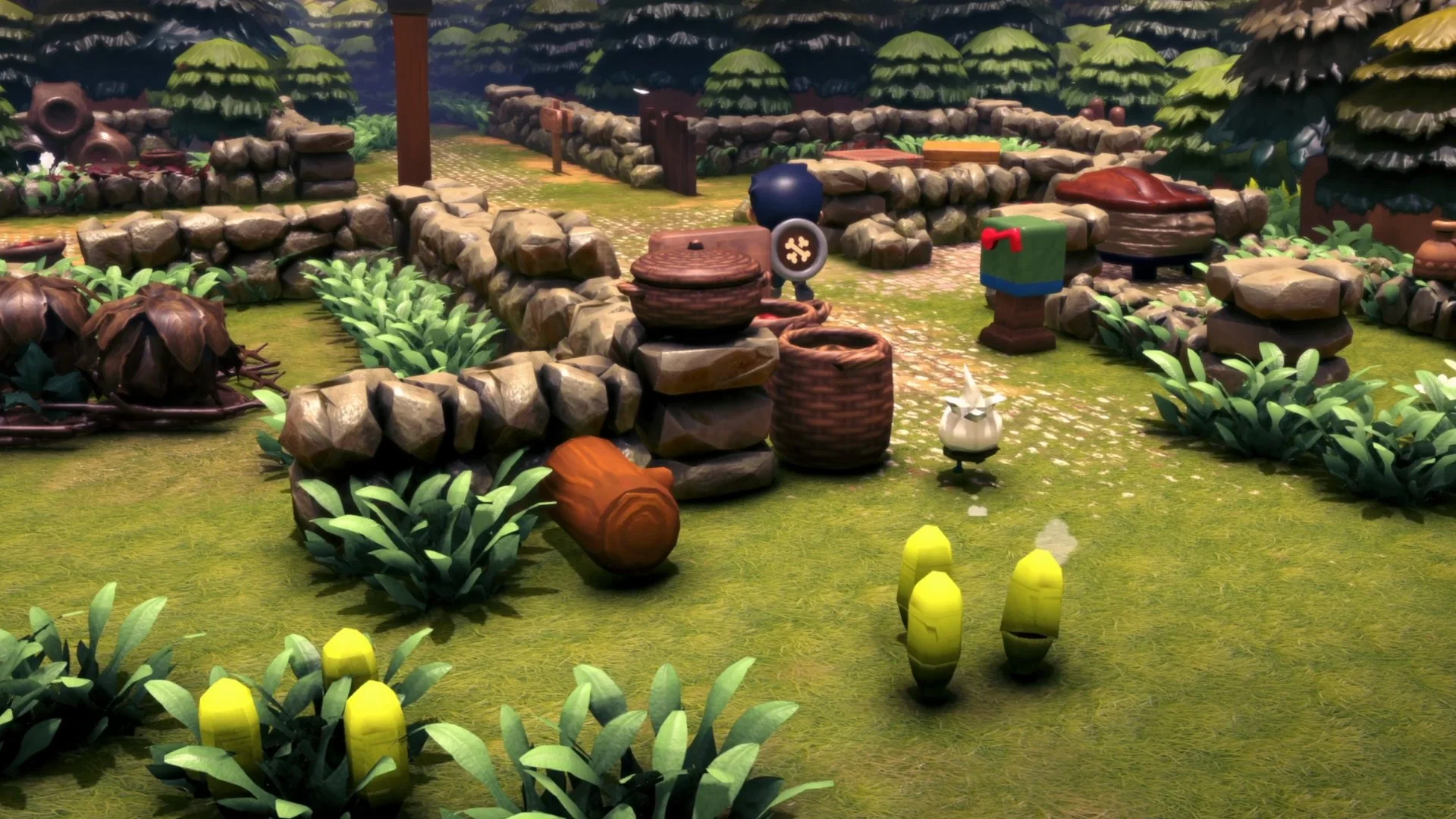
Steam minimum
Published requirements
Copied from the Steam store page on November 9, 2026. No recommended tier is listed.
| Component | Minimum |
|---|---|
| OS | Windows 7 / 8 / 10 |
| Processor | Intel Core i3 |
| Memory | 4 GB RAM |
| Graphics | NVIDIA GTX 560, AMD Radeon HD 6970 |
| DirectX | Version 9.0 |
| Storage | 4 GB available space |
| Sound card | DirectX compatible |
| Recommended | Not published |
The Steam page footnote says the Steam client only supports Windows 10 and later from January 1, 2024. In practice, treat Windows 10 or 11 as the baseline even though older versions are listed.
What the minimum actually tells you
The listed GPU generation is old, and 4 GB of RAM is modest. That suggests the game is designed to run on low-end hardware, but it does not guarantee a specific frame rate, resolution or load time. The demo is the only public performance test.
A “Core i3” is a family, not one chip. An old dual-core i3 and a modern i3 are very different. The same applies to the GTX 560 and Radeon HD 6970 comparison; driver support and laptop variants matter.
Steam Deck, Mac and Linux
- Steam Deck: no official compatibility rating has been announced. The demo has a Steam Deck name-entry fix in its patch history, but that is not a performance guarantee.
- macOS: Steam lists Windows only. A native Mac version has not been announced.
- Linux: no native Linux build is listed. Proton compatibility has not been officially rated.
Settings that can help
The updated demo includes an FPS cap and camera options. If the game feels heavy on your machine, try the FPS cap first, then lower the resolution or window size through the usual Steam/PC settings. We do not have confirmed graphics presets beyond the FPS cap, so we will not invent a list.
No benchmark claims
We have not benchmarked the game. Any “runs at 60 fps on X” claim would be fabricated without a test. Use the free demo on your own hardware.
Sources & verification
Checked 2026-11-09Every claim on this page is traced to an official source, a named trade report, or a labeled hands-on preview. Pre-release details can change.
- Littlelands on Steam Official
- Steam app details for Littlelands (app 2083660) Reference
- Cozy Adventure Littlelands Launches into Steam Early Access November 16! Official
- Demo Update Now Live! Community Feedback Changes Official
Hands-on sources are third-party previews quoted for observation. This site has not independently playtested the game.